Recording Mixing and Editing (2/2) Editing Audio with Video in Logic
- fergbry
- May 11, 2021
- 2 min read
Updated: May 17, 2021
After creating and mixing high quality audio recordings, I then needed to develop my creative process to include adding high quality audio to video footage.
I had not undertaken this task before so I decided to look on YouTube to find out how this would be possible. I quickly identified a video where a guitarist demonstrated how he made high quality audio and video recordings simultaneously. This video is attached below.
I experimented with this technique to develop my own creative output. Below is a screenshot of a logic session where I utilised this technique.

There were, however, 3 key differences in my creative process when it came to adding high quality audio to video.
Firstly: Rather than working with just the video 1 track of live recorded audio, the bagpipe chanter part was required to be added.
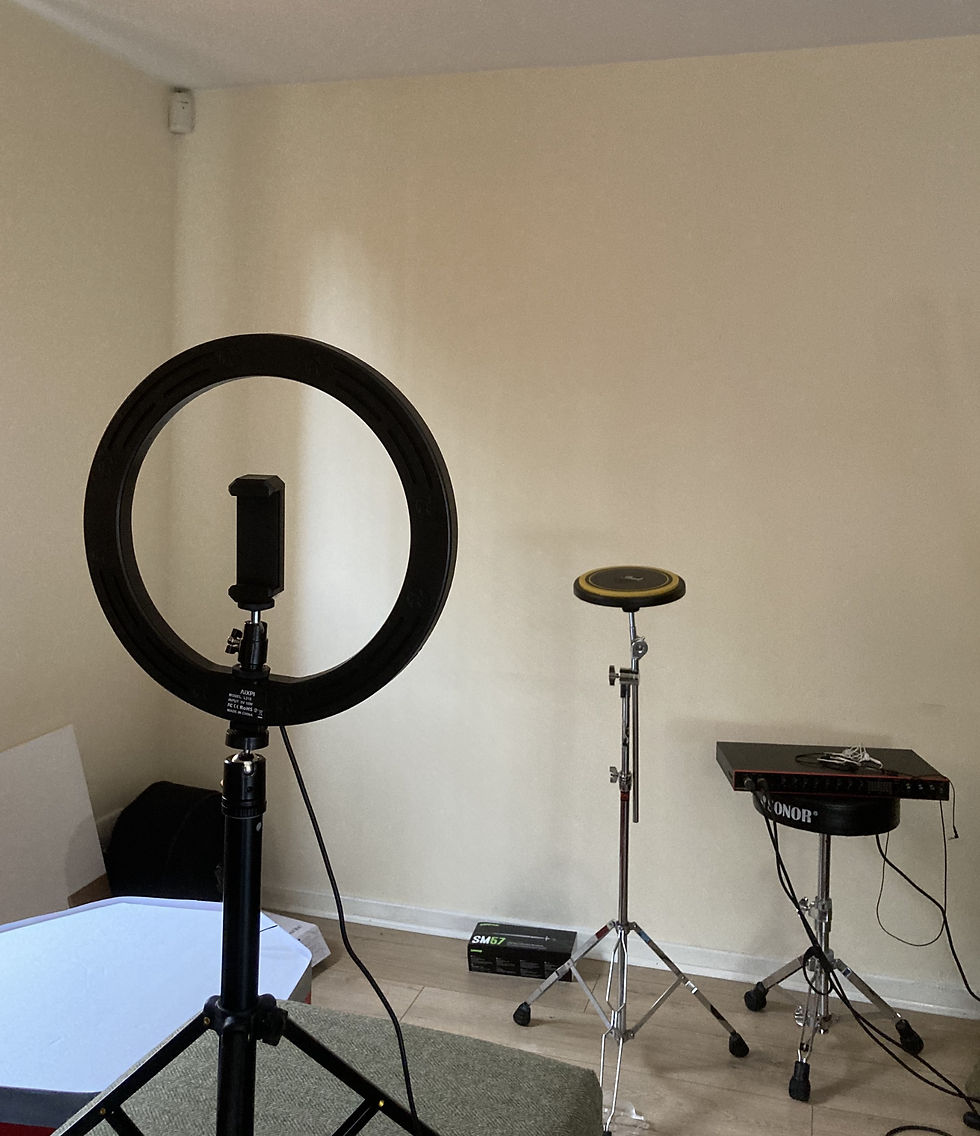
Secondly: Although it was not stipulated by the project sponsor (Pearl Drums), I wanted their drum pad to feature in the video. Although this pad did not record well within my home recording setup as the acoustics in the room were not complimentary to its sound.
Lastly: I did not want any visible headphones, wires, microphones in my video recording where possible.
Overcoming the 1st issue was straightforward, as I could import video into a pre-existing logic project containing the bagpipe chanter part (pictured above).
However, the 2nd and 3rd issues were more challenging to overcome, but required only 1 solution. The solution was to record the audio for the snare pad parts using a pad that was better suited to the acoustics of the recording environment and then play this recording through a speaker whilst recording the video. Once imported to logic, I simply muted the video audio then synchronised the pre-existing recording with the video. Below is an example of before and after the high quality audio was added to the video.
By far the most challenging lesson to create video content for was lesson 3. The lesson required high quality and original video audio to run simultaneously on multiple occasions. This was much more challenging to edit and mix together as it involved me playing and saying mnemonic rhythm phrases, in real time, over the top of a pre-recorded audio track of Scotland the Brave. I wanted the original video audio to only capture the mnemonic phrases and the drum pad. To achieve this I created a timed click track with a 4 beat verbal count (which I repeated in the video recording) into Scotland the brave. Whilst recording the video I listened to this in 1 bluetooth earpiece. Afterwards, I then used Logic to sync the pre-mixed Scotland the Brave recording with the video. Below is a screenshot of a small portion of the logic session for lesson 3's play-along content.

This lesson also required me to use lots of automation to exclude obtrusive aspects of the pre-mixed track so that it did not interfere with the clarity of the original video audio.
Automation, as with the majority of sound production tasks, was completely new to me. I watched a number of tutorials to learn this method and use it to the advantage of creative development.
An example of my use of automation can be seen below.



Comments